- A dark blue theme for better coding experience.
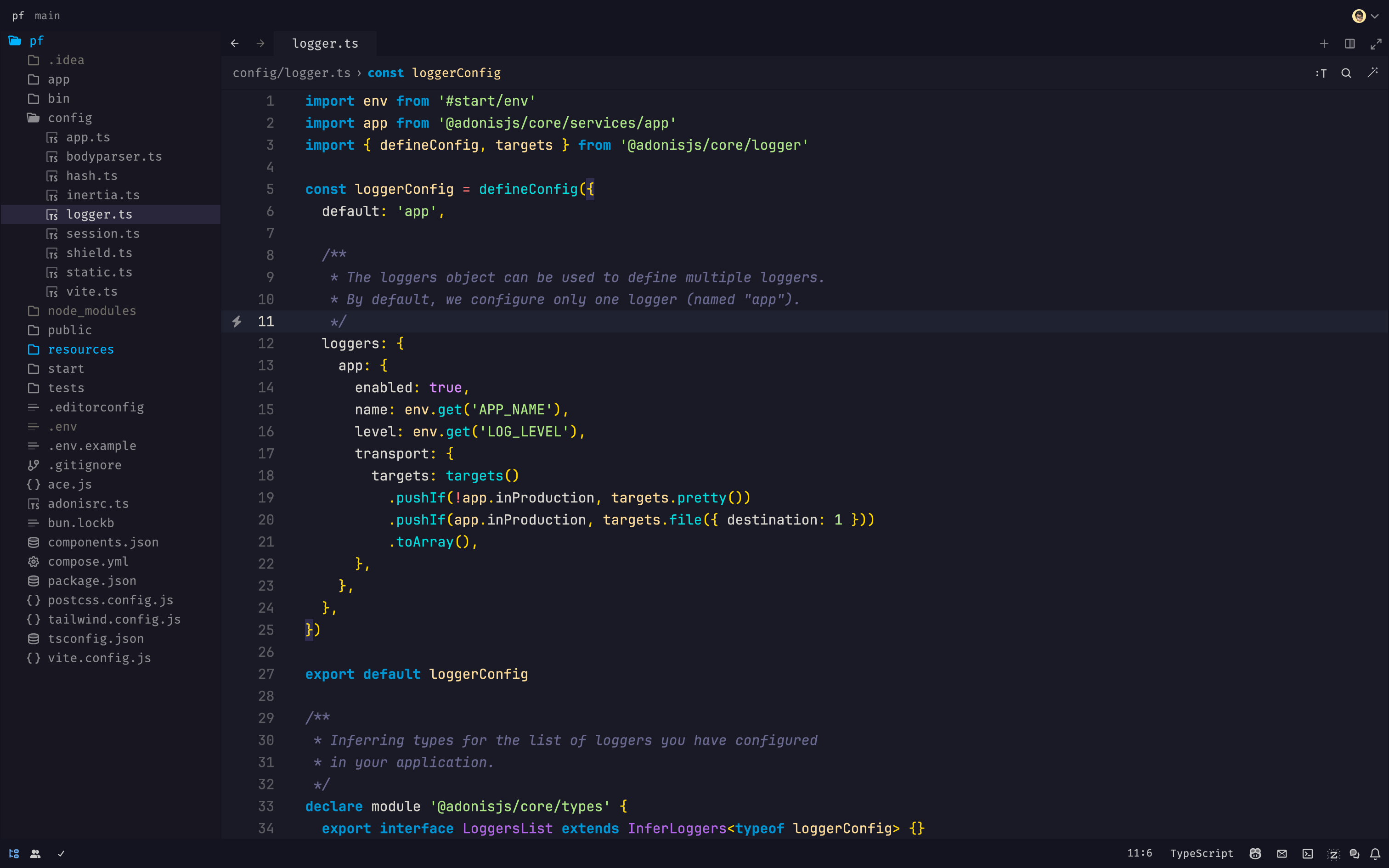
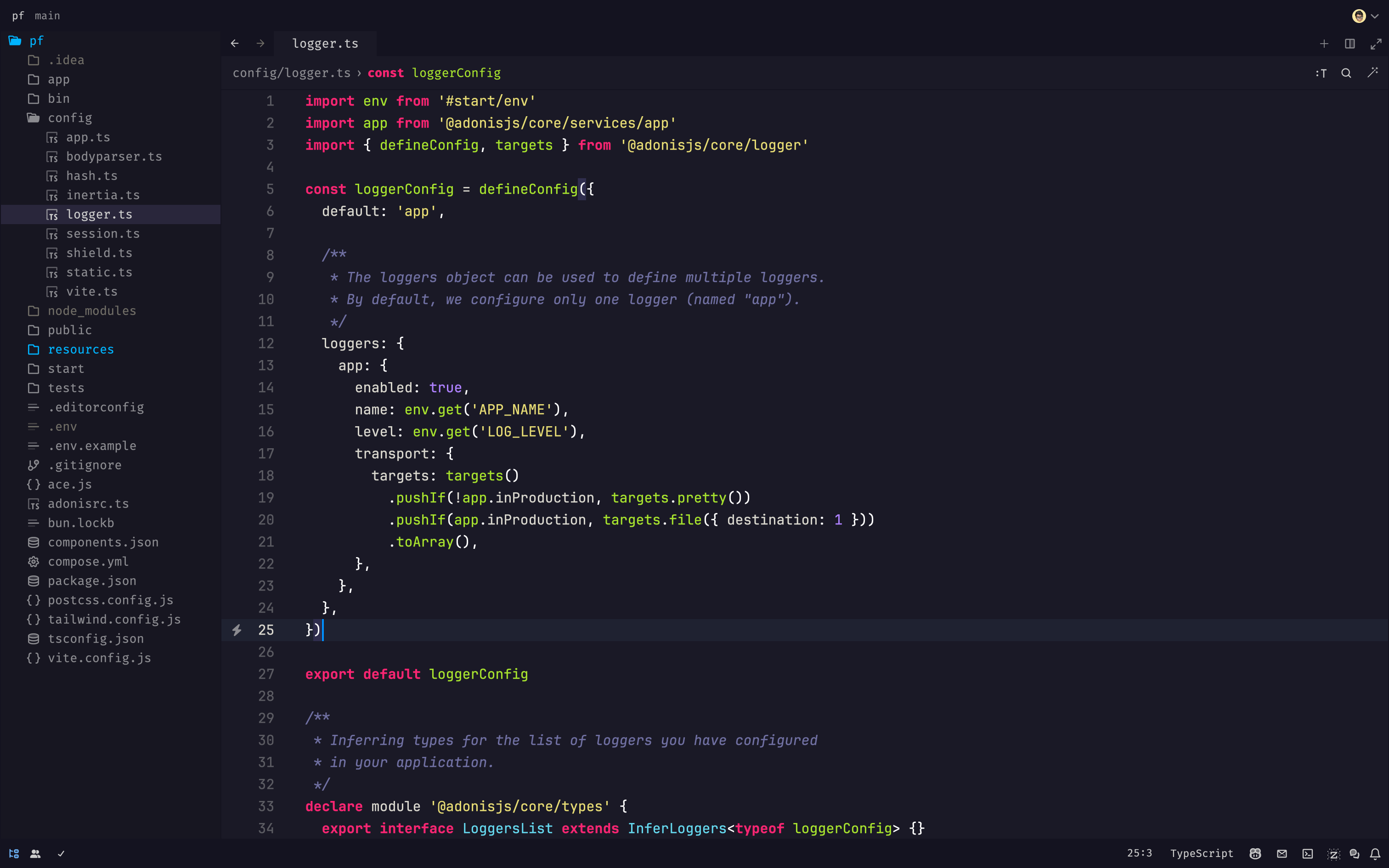
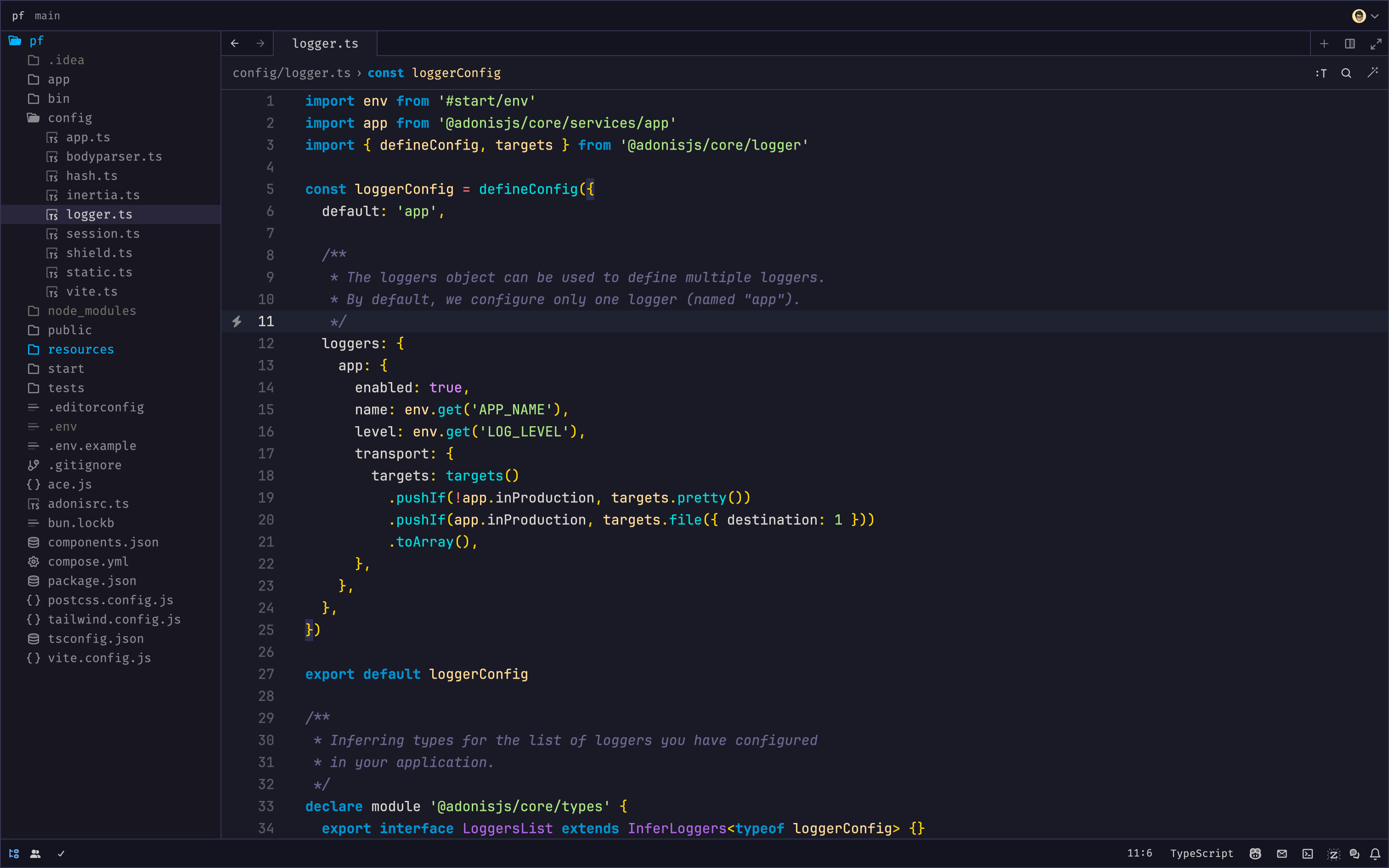
- Open Zed
Cmd + Shift + Pto open command palette- Search for
extensionand selectzed: extensions - Search for
exquisiteand selectInstall exquisite theme - Open command palette again and choose
theme selector: toggleand selectExquisite Blueto apply the theme
- Copy
exquisite.jsonfile to~/.config/zed/themes/ - Open Zed and go to
Settings->Theme->Exquisite Theme