Next.js-powered collection browser with advanced filtering and streaming integration for MusicBrainz
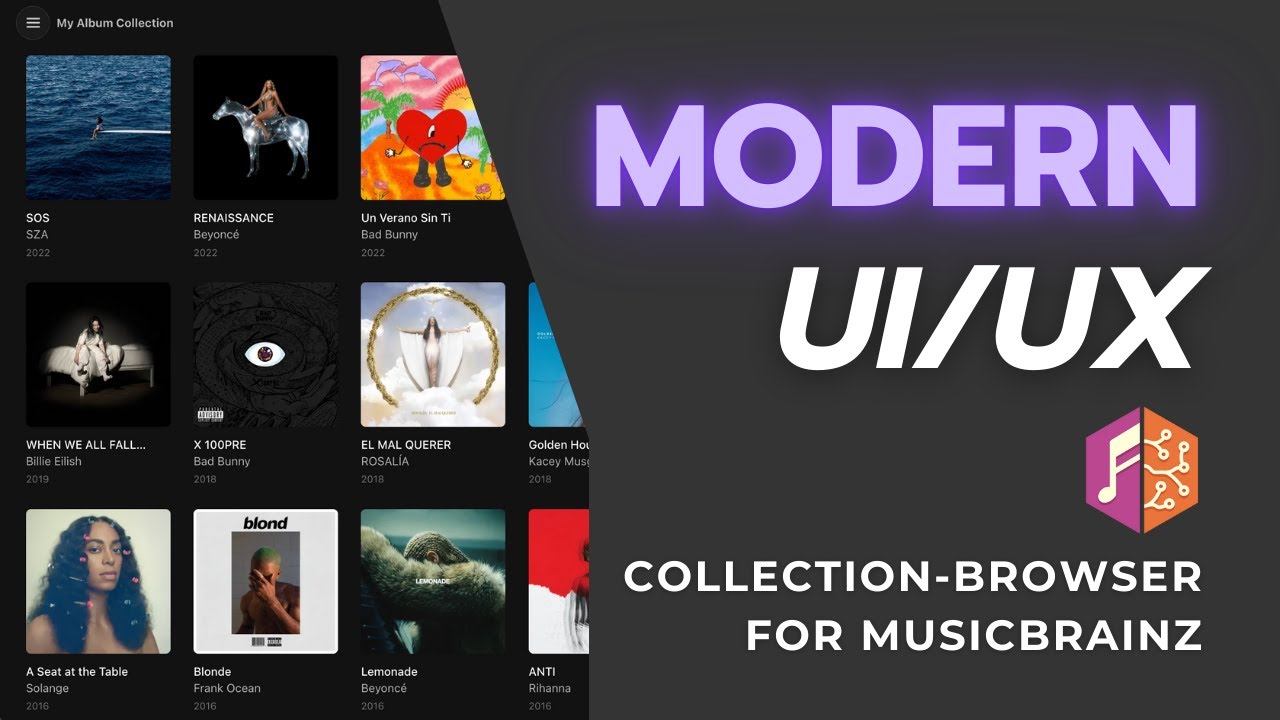
- Browse MusicBrainz release-group collections and series (e.g., "Rolling Stone 500")
- Advanced filtering by genres, tags, labels, dates, and ratings with AND/OR logic
- Streaming service links (Spotify, Apple Music, Tidal, and more)
- Optional OAuth for personal collection access
- Modern design with dark theme
Album Grid:

Album Details:

Album Grid with Filters:

- Node.js 18 or higher
- npm 9 or higher
-
Clone the repository:
git clone https://github.com/tmdecker/collection-browser-for-musicbrainz.git cd collection-browser-for-musicbrainz -
Install dependencies:
npm install
-
Configure environment variables:
cp .env.example .env.local
-
Edit
.env.localwith required values:NEXT_PUBLIC_MUSICBRAINZ_APP_NAME=YourAppName NEXT_PUBLIC_MUSICBRAINZ_CONTACT_EMAIL=[email protected]
Development:
npm run devProduction:
npm run build
npm start
Runs on http://localhost:3000
For self-hosting on a production server (PM2, reverse proxy, cache directories, etc.), see the Self-Hosting Guide.
Important for HTTP deployments: Set COOKIE_SECURE=false in your .env.local if deploying without HTTPS (e.g., local network or Tailscale).
- Open the application in your browser
- Enter a public MusicBrainz collection or series ID/URL directly on the welcome screen
- Or click "Login with MusicBrainz" to access your personal collections
- Use the Browse Collections panel (menu button) to switch between collections
- Apply filters to narrow down albums by genre, label, date, or rating
Configure in .env.local (see .env.example for template):
Required for all usage (no MusicBrainz account needed):
NEXT_PUBLIC_MUSICBRAINZ_APP_NAME- Your application name (used in API User-Agent header)NEXT_PUBLIC_MUSICBRAINZ_CONTACT_EMAIL- Your contact email (MusicBrainz API requirement for identification)
Optional - to enable user authentication:
MUSICBRAINZ_OAUTH_CLIENT_ID- OAuth client IDMUSICBRAINZ_OAUTH_CLIENT_SECRET- OAuth client secretMUSICBRAINZ_OAUTH_REDIRECT_URI- OAuth callback URL (e.g.,http://localhost:3000/api/auth/callback)
What OAuth enables: One-time setup by app host that allows all users to login with their MusicBrainz accounts and access their own collections. Without OAuth configured, users can still browse any public collection by entering its ID directly.
Register at https://musicbrainz.org/account/applications/register to get OAuth credentials. See docs/oauth_setup.md for detailed setup.
Optional - for higher streaming link rate limits:
NEXT_PUBLIC_ODESLI_API_KEY- Odesli API key
- Next.js 14
- React 18
- TypeScript
- Tailwind CSS
- IndexedDB for caching
- react-icons (Boxicons)
- Architecture Overview - Technical architecture and data flow
- API Documentation - Custom API routes and external integrations
- Component Guide - React component documentation
- Configuration Guide - Setup and configuration options
- IndexedDB Cache System - Caching architecture and troubleshooting
- OAuth Setup Guide - MusicBrainz OAuth2 authentication setup
- Changelog - Version history and release notes
I use MusicBrainz.org as a way to be independent of streaming services when it comes to managing my digital music library. However, unlike those streaming services, MusicBrainz doesn't come with a pretty, modern UI that allows me to browse my library ("collection") in a way I would enjoy. E.g. I would like to view all jazz albums in my collection, or all albums from the 80s. So, this app is tailored to my specific needs and aestetic preferences. Nevertheless, there is lots of room for additional features that are attractive for a larger audience including support of release collections, series or even expansion to the Discogs database.
GPL-3.0-or-later - see LICENSE file for details.
Built with MusicBrainz API and Odesli streaming integration.