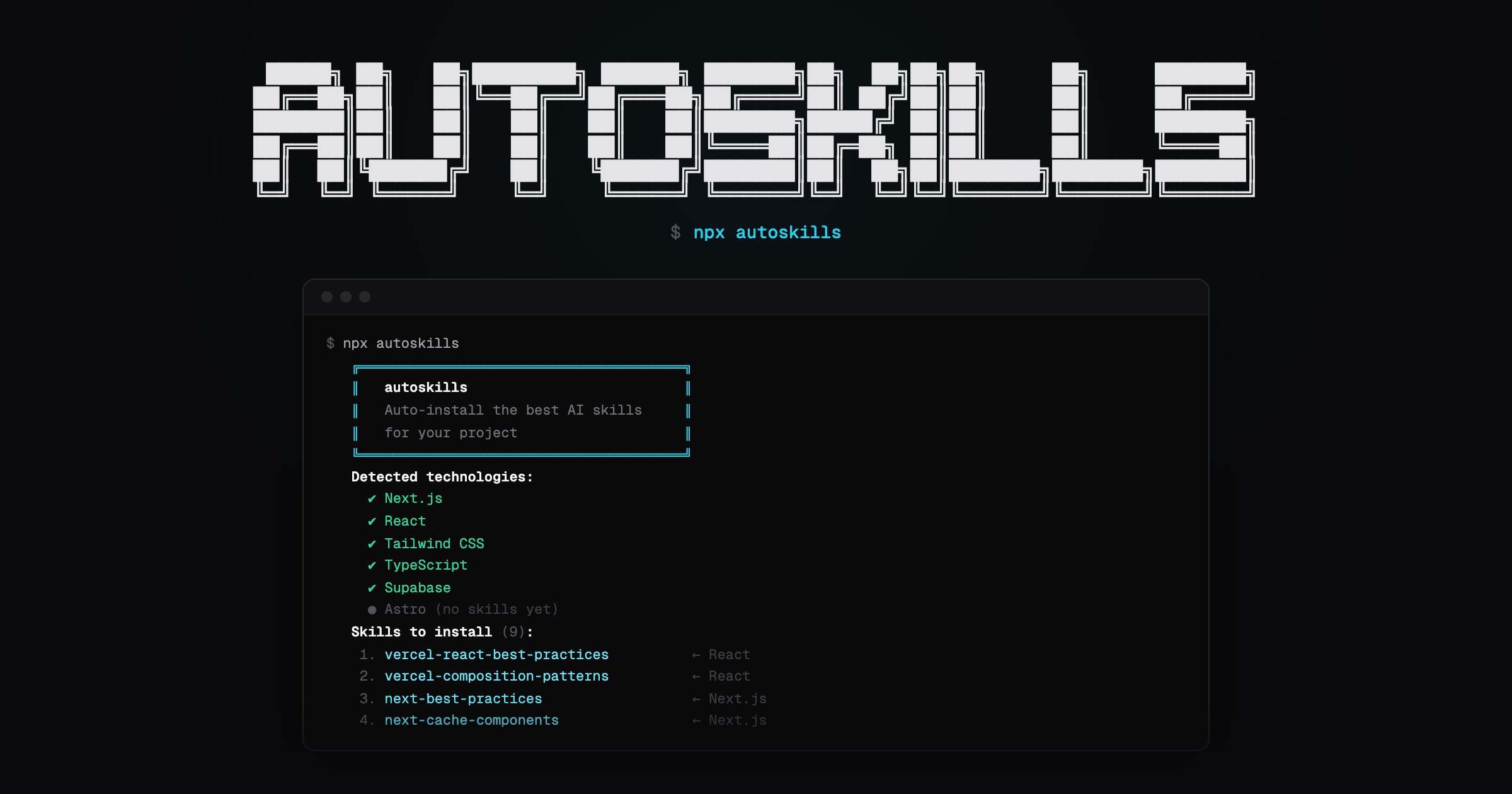
Scans your project, detects your tech stack, and installs the best AI agent skills from skills.sh automatically.
npx autoskills- Run
npx autoskillsin your project root - Your
package.json, Gradle files, and config files are scanned to detect technologies - The best matching AI agent skills are installed via skills.sh
- If Claude Code is targeted, a
CLAUDE.mdsummary is generated from the installed markdown files in.claude/skills
That's it. No config needed.
If claude-code is auto-detected or passed with -a, autoskills also writes a CLAUDE.md file in your project root with a quick summary of the markdown files installed for Claude Code.
-y, --yes       Skip confirmation prompt
--dry-run       Show what would be installed without installing
-h, --help      Show help message
Built to work across modern frontend, backend, mobile, cloud, and media stacks.
- Frameworks & UI: React, Next.js, Vue, Nuxt, Svelte, Angular, Astro, Tailwind CSS, shadcn/ui, GSAP, Three.js
- Languages & Runtimes: TypeScript, Node.js, Go, Bun, Deno, Dart
- Backend & APIs: Express, Hono, NestJS, Spring Boot
- Mobile & Desktop: Expo, React Native, Flutter, SwiftUI, Android, Kotlin Multiplatform, Tauri, Electron
- Data & Storage: Supabase, Neon, Prisma, Drizzle ORM, Zod, React Hook Form
- Auth & Billing: Better Auth, Clerk, Stripe
- Testing: Vitest, Playwright
- Cloud & Infrastructure: Vercel, Vercel AI SDK, Cloudflare, Durable Objects, Cloudflare Agents, Cloudflare AI, AWS, Azure, Terraform
- Tooling: Turborepo, Vite, oxlint
- Media & AI: Remotion, ElevenLabs
Node.js >= 22