DJC-DIY is an open-source DJ controller that you can make at home without special tools, skill or knowledge.
It works with Mixxx (open-source DJ software).
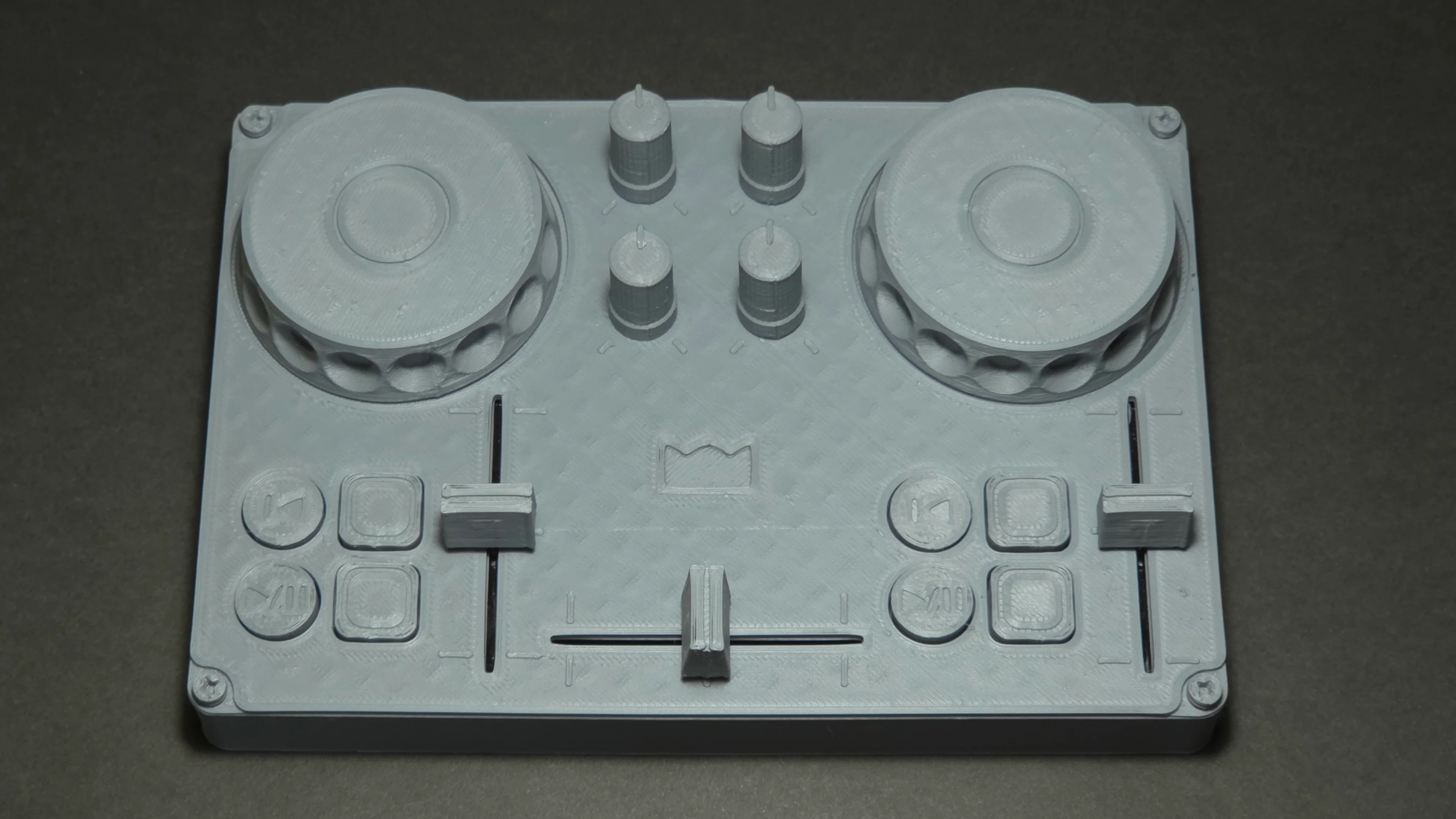
☕ Support by donating on Ko-fi.
🚀 Join the community on Discord.
📱 Subscribe on YouTube and follow on Instagram.
🧊 3D Models - .stl (mesh files for 3D printing), .FCStd (FreeCad source files)
⏪ Backward Compatible - if you made DJC-DIY before, here you can find parts to upgrade it to a newer version
⚙️ Firmware - here's the firmware
🎛️ Mixxx Mapping Files - and here are the mapping files
Download latest stable release from releases.
Warning
If you download the whole repo, there's a chance that you'll download files in the middle of the update process and get incomplete version.
If you don’t have access to a 3D printer, you can order 3D printed parts from PCBWay using the link below.
Using this link directly supports the development of MandićLab.
| 🔢 Quantity | 🧊 Part | 📄 File Name |
|---|---|---|
| x1 | Case | case.stl |
| x1 | Front Panel | front-panel.stl |
| x1 | Arduino Spring | arduino-spring.stl |
| x2 | Jog Wheel | jog-wheel.stl |
| x2 | Play/Pause | play-pause.stl |
| x2 | Cue | cue.stl |
| x4 | Performance Pad | performance-pad.stl |
| x1 | Crossfader | crossfader.stl |
| x2 | Tempo Fader | tempo-fader.stl |
| x4 | Knob | knob.stl |
| x4 | Feet | feet.stl |
| 🔢 Quantity | 🧩 Component | 📄 Description |
|---|---|---|
| x1 | 🧠 Microcontroller | Arduino Pro Micro - ATmega32U4 |
| x8 | 🔘 Buttons | B3F-4055 - 12x12x7.3mm |
| x4 | 🎛️ Rotary Potentiometers | R0902N - B103 - 10kΩ - 23mm shaft lenght - D shaft |
| x3 | 🎚️ Slider Potentiometers | 60mm - B103 - 10kΩ - 15mm handle lenght |
| x2 | 🔄 Rotary Encoders | Encoders for knobs & jog wheels |
| x4 | ➖ Resistor | 1/4W - 10kΩ |
| 🔌 Wires | 24 AWG - Red, Black, Blue, Green, Yellow |
Download and install required software
Arduino IDE - an open-source development environment for programming Arduino boards - DOWNLOAD
Mixxx - an open source DJ software - DOWNLOAD
Acquire all electronic components from the electronic components list.
I personally bought everything from Aliexpress and had no problems.
3D print all parts from the 3D printed parts list.
I used max speed, 15% infill, .2mm layer height. Use support where needed.
If something can't be pulled onto a part, try printing it at 105% scale.
Here you can see an illustrated schematic.
Solder everything as shown.
This is the layout of the electronic components.

First solder left rotary encoder.
At the beginning, solder the pins from the bottom side of the Arduino.
Use this opportunity to leave more space on the top side for later, because once several electronic components are soldered in place, the Arduino will no longer be movable, and soldering from the bottom side of the pins will no longer be possible.

Then solder right rotary encoder.
Also solder the pins from the bottom side.

Next are buttons for the left deck.

Then buttons for the right deck.

And the last are potentiometers.

It should look like this when everything is soldered.

Open firmwar.ino with Arduino IDE.
Select your board (some Pro Micro clones can only be used stably as Arduino Leonardo boards).
Install MIDIUSB library from Gary Grewal.
Then upload the code.
Copy ”DJC-DIY.xml” and ”DJC-DIY-scripts.js” to
”C:\Users\username\AppData\Local\Mixxx\controllers”.
Select mapping files by going to the preferences. (Options > Preferences or Ctrl + P)
Go to the controllers tab and choose something like Arduino/ProMicro/Leonardo.
Then go to the load mapping and select DJC-DIY.
Test your device before assembling rest 3D printed parts.
Assemble the rest 3D printed parts.
Feel free to use glue where needed.
Q: Is it for sale?
A: For now, we're not selling the device or DIY kit.
Q: Does it work with other DJ software such as Virtual DJ, Rekordbox or Traktor?
A: Currently out of the box it only works with Mixxx, but the controller sends standard MIDI messages, so it can be manually mapped to other software.
💻 Software (.ino, .xml, .js)
Licensed under the GPL-3.0
🔩 Hardware (.FCStd, .stl)
Licensed under the CERN-OHL-S-2.0