SETTINGS ARE MADE PRIMARILY FOR KRITA.
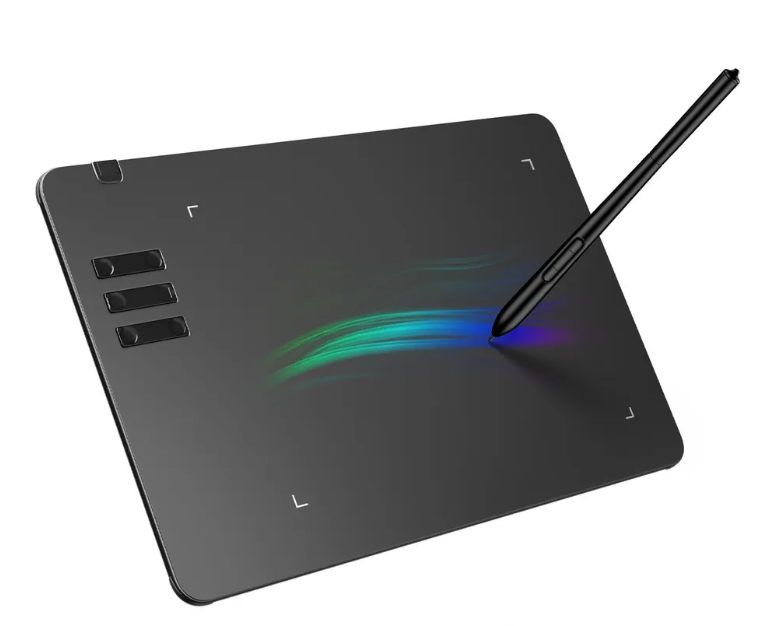
Driver which provides basic functionality for 10moons T605 tablet:
- 6 buttons on the tablet itself (1: zoomout; 2: zoomin; 3: brush; 4: fill; 5: ctrl+z; 6: panning).
- 2 buttons on the stylus (1(+): increase brush size; 2(-): reduce brush size) STYLUS BUTTONS ARE UNSTABLE, BEST NOT TO USE.
- Correct X and Y positioning.
- Pressure sensitivity.
Tablet has 4096 levels in both axes and 2047 levels of pressure.
Clone or download this repository.
Then install all dependencies listed in requirements.txt file either using python virtual environments or not.
Connect tablet to your computer and then run driver.py file with sudo privileges.
Press the "Start injection".
git clone https://github.com/heycatch/10moons-driver-t605.git
python3 -m venv venv
source venv/bin/activate
pip3 install -r requirements.txt
sudo ./venv/bin/python3 driver.pyTo list all the possible key codes you may run:
python3 -c "from evdev import ecodes; print([x for x in dir(ecodes) if 'KEY' in x])"If you find that using this driver with your tablet results in reverse axis or directions (or both), you can modify parameters swap_axis, swap_direction_x, and swap_direction_y by changing false to true and another way around.