The PoiziToast library enhances and builds upon the Android Toast class. This library offers many customization options over the standard Android Toast class.
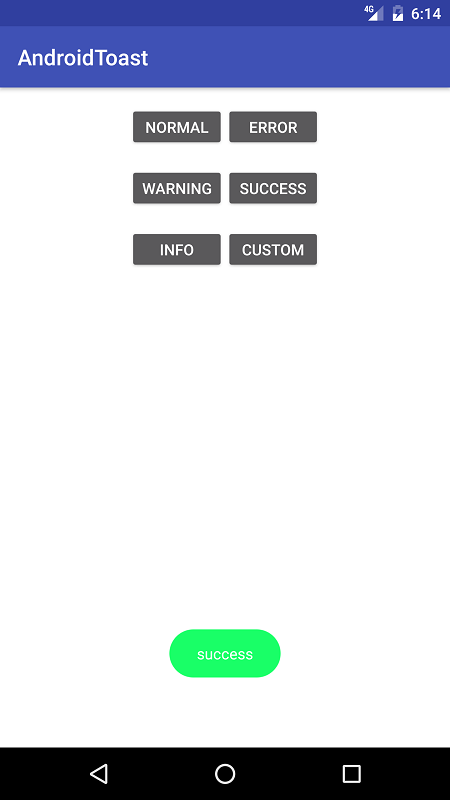
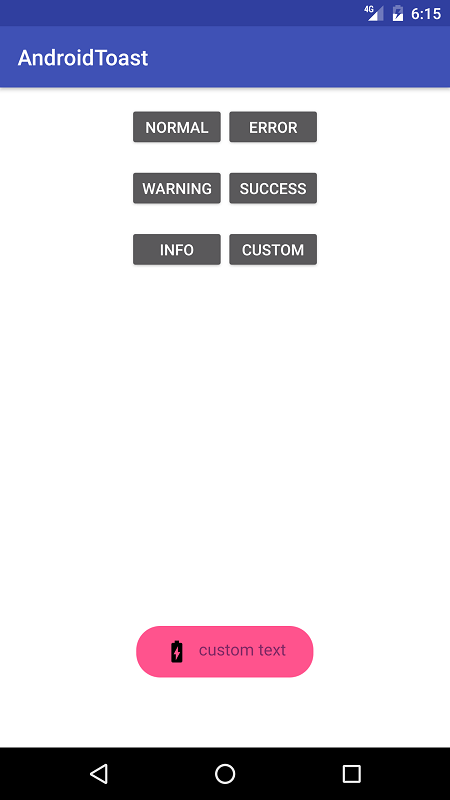
- Add this in your root build.gradle file:
allprojects {
	repositories {
		...
		maven { url "https://jitpack.io" }
	}
}- Add this to your module's
build.gradlefile:
dependencies {
	...
	compile 'com.github.farshidabz:poizitoast:v1.0.1'
}- How to use:
Each method always returns a PoiziToast object, so you can customize the Toast much more. DON'T FORGET THE show() METHOD!
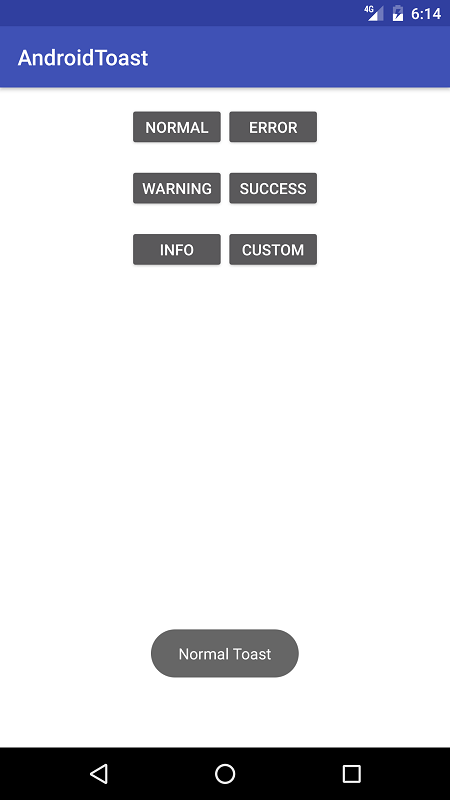
- Normal Toast:
PoiziToast.with(this)
	.normal("Normal Toast", Toast.LENGTH_SHORT)
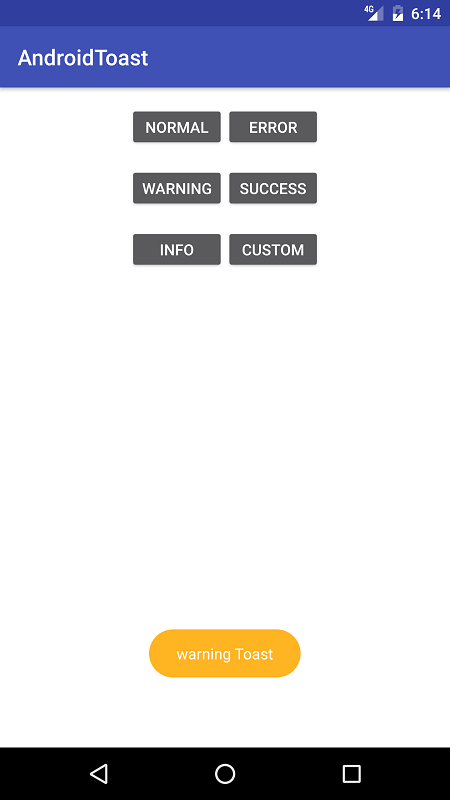
.show();- Warning Toast:
PoiziToast.with(this)
	.warning("warning Toast", Toast.LENGTH_SHORT)
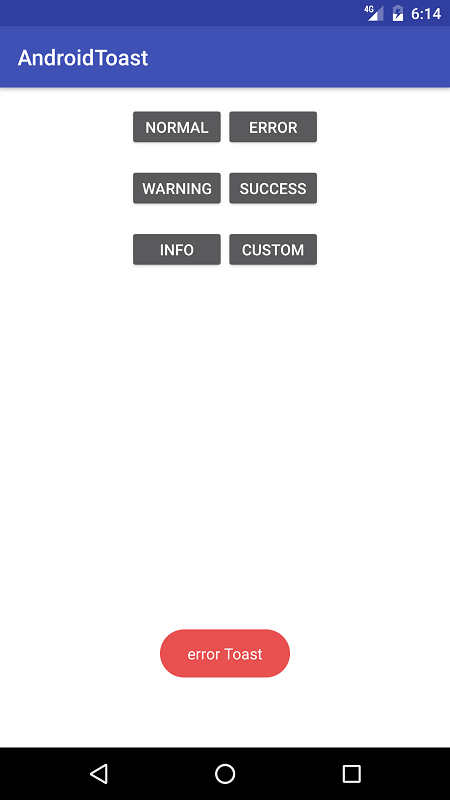
.show();- Error Toast:
PoiziToast.with(this)
	.error("error Toast", Toast.LENGTH_SHORT)
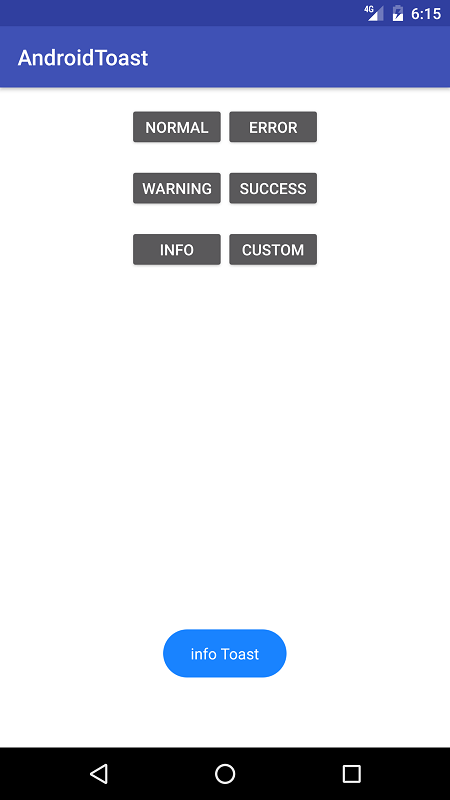
.show();- Info Toast:
PoiziToast.with(this)
	.info("info Toast", Toast.LENGTH_SHORT)
.show();- Success Toast:
PoiziToast.with(this)
	.success("success", Toast.LENGTH_SHORT)
.show();- Custom Toast:
PoiziToast.with(this)
	.setBackgroundColor(getResources().getColor(R.color.colorAccent))
	.setIcon(R.drawable.battery_charging_full)
	.setGravity(Gravity.BOTTOM)
	.setTextColor(R.color.textColor)
	.setTextTypeFace(Typeface.createFromAsset(getAssets(), "fonts/font.ttf"))
	.setTextSize(14)
	.makeToast("custom text", Toast.LENGTH_SHORT)
.show();| attribute name | attribute description |
|---|---|
| icon | The icon of Poizi Toast. |
| gravity | The gravity of Poizi Toast. |
| TextSize | The message's text size. |
| TextColor | The message's text color. |
| TextTypeFace | The message's text type face. |
| BackgroundColor | The background color of Poizi Toast. |