





A modern, open-source music streaming application for Android
Built with Kotlin and Jetpack Compose, Weasel leverages the NewPipe Extractor to provide a seamless listening experience without subscriptions. Discover, stream, and download your favorite music with a clean, intuitive interface designed for performance and user experience.
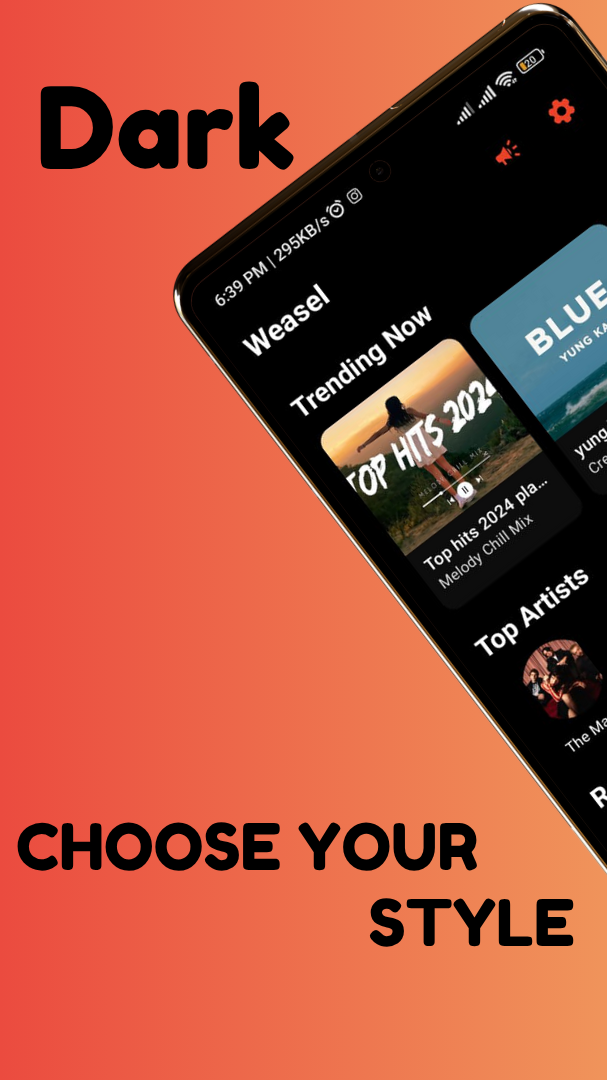
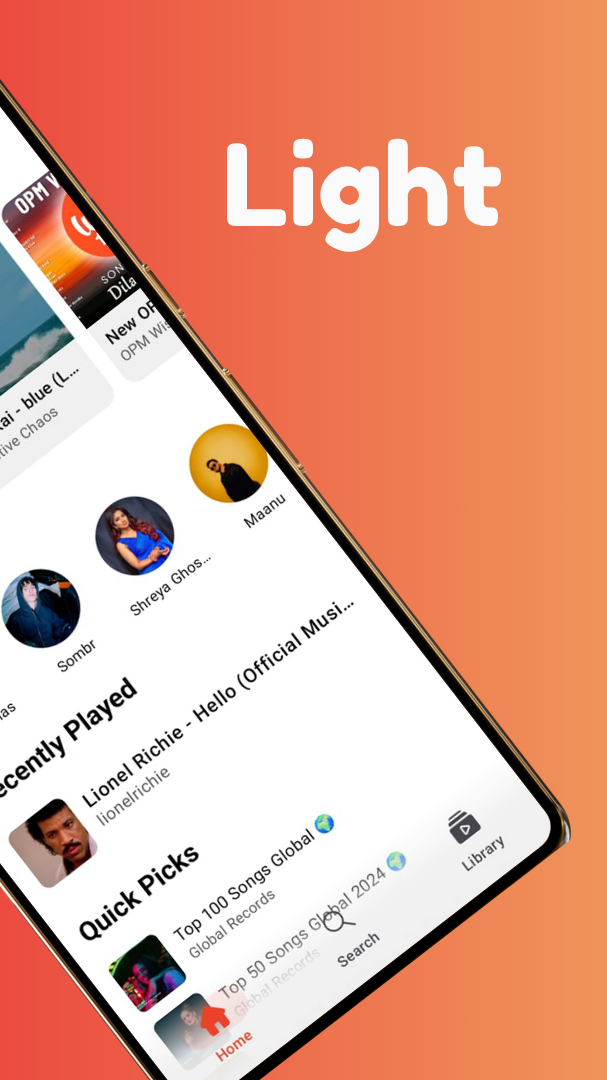
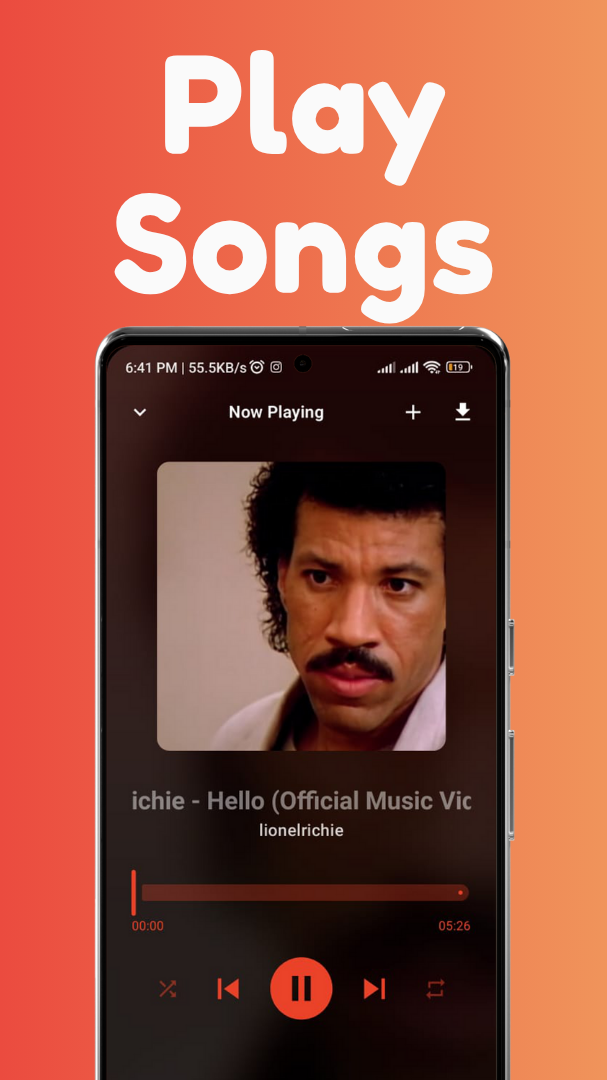
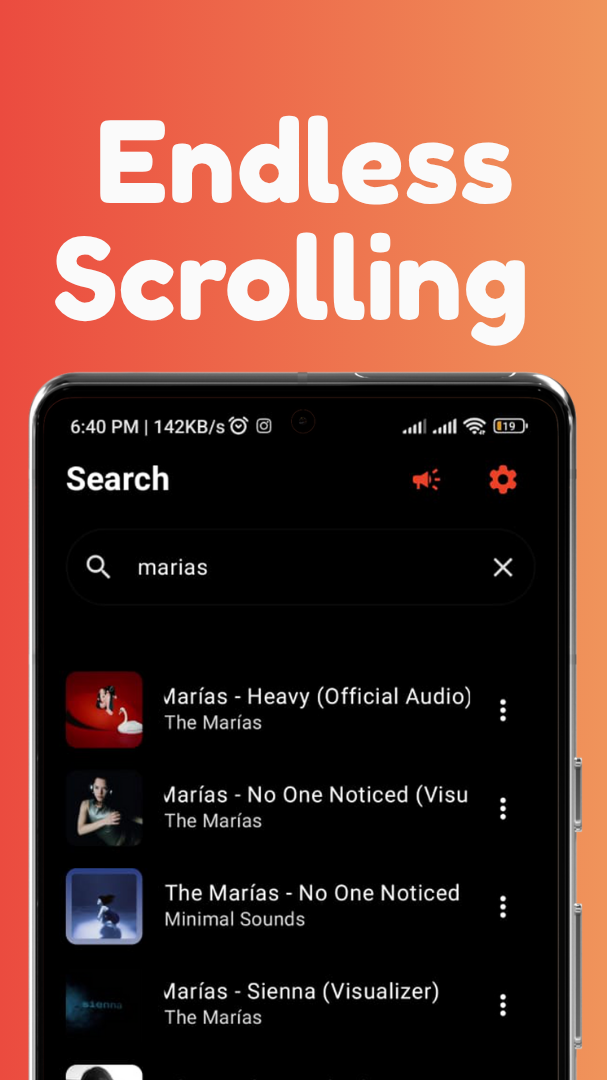
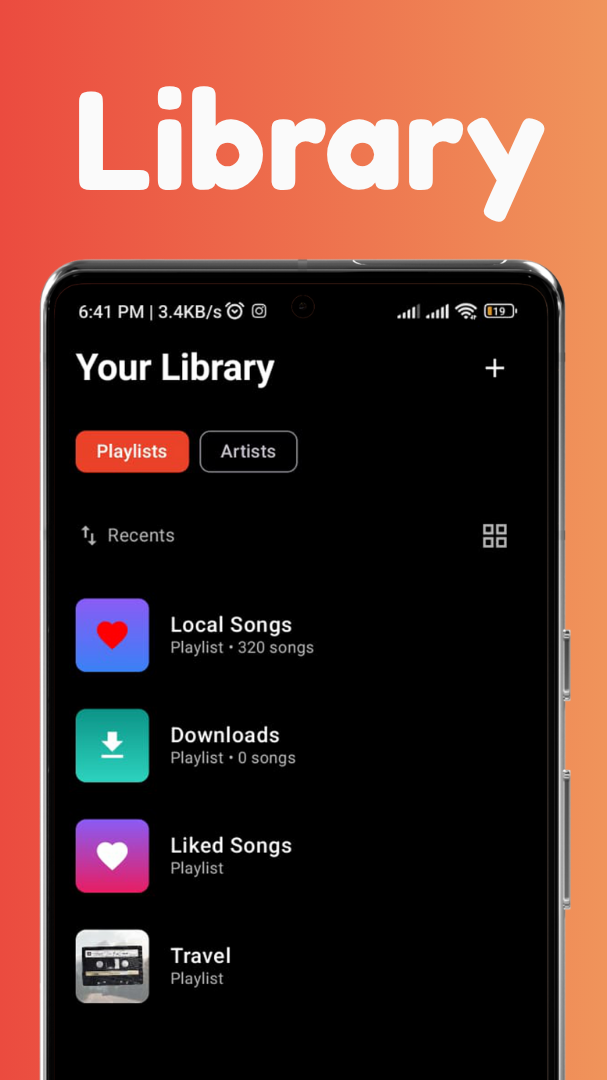
- 🔍 Instant Search: Lightning-fast search across tracks, artists, and playlists
- 🎵 High-Quality Streaming: Automatically fetches the best available audio streams
- 🔄 Background Playback: Seamless background audio with rich media notifications
- 🎚️ Endless Queue: Smart auto-queuing of related tracks for continuous discovery
- 💾 Local Music Integration: Automatic scanning and integration of device audio files
- 📝 Playlist Creation: Create and manage custom playlists effortlessly
- ⬇️ Download Functionality: Download any track for offline enjoyment
- ✨ Material 3 Theme: Tailored for modern Android experiences**:
Weasel follows a scalable, maintainable architecture pattern with clear separation of concerns:
📦 weasel/
├── 📁 data/                    # Data layer
│   ├── 📁 local/              # Room Database components
│   │   ├── AppDatabase.kt
│   │   ├── MusicDao.kt
│   │   └── entities/
│   |                          # Network data sources
│   ├── Track.kt               # Data models
│   ├── Playlist.kt
│   └── DownloadWorker.kt      # Background download logic
├── 📁 di/                     # Dependency Injection
│   └── ViewModelFactory.kt
├── 📁 player/                 # Media3 playback components
│   └── MusicPlayerService.kt
├── 📁 repository/             # Data repositories
│   ├── LocalMusicRepository.kt
│   └── NewPipeMusicRepository.kt
├── 📁 ui/                     # UI resources and themes
│   ├── 📁 theme/
│   └── 📁 resources/
├── 📁 util/                   # Utility classes
│   └── AppConnectivityManager.kt
├── 📁 ux/                     # Jetpack Compose screens
│   ├── HomeScreen.kt
│   ├── NowPlayingScreen.kt
│   ├── PlaylistScreen.kt
│   └── components/
└── 📁 viewmodel/              # ViewModels
    ├── HomeViewModel.kt
    ├── MusicPlayerViewModel.kt
    └── PlaylistViewModel.kt
- Android Studio (latest stable version)
- Android SDK 24+ (API level 24 and above)
- Kotlin 2.0.0
-
Clone the repository
git clone https://github.com/Najaf-Ali-Imran/weasel.git cd weasel -
Open in Android Studio
- Launch Android Studio
- Select "Open an existing Android Studio project"
- Navigate to the cloned directory and select it
-
Sync and Build
- Let Gradle sync and download dependencies
- Build the project (
Build > Make Project)
-
Run the App
- Connect an Android device or start an emulator
- Click the "Run" button or press
Shift + F10
| Category | Technology |
|---|---|
| Language |  |
| UI Framework |  |
| Architecture |  |
| Database |  |
| Media Playback |  |
| Networking |  |
| Background Tasks |  |
| Concurrency |  |
Released: 7-21-2025 What's New:
- ✅ Light/Dark Mode
- ✅ Enhanced Performance
- ✅ Improved Library
Download: v0.1.2
Found a bug or have a feature request?
👉 Report it here
Step 1: Fork & Clone
git fork https://github.com/Najaf-Ali-Imran/weasel.git
git clone https://github.com/Najaf-Ali-Imran/weasel.git
cd weasel
Step 2: Create a Branch
git checkout -b feature/amazing-new-feature
# or
git checkout -b fix/critical-bug-fix
Step 3: Make Your Changes
- Follow the existing code style and architecture
- Write meaningful commit messages
- Test your changes thoroughly
- Add documentation if needed
Step 4: Submit a Pull Request
- Push your branch to your fork
- Open a Pull Request against the
mainbranch - Provide a clear title and detailed description
- Link any relevant issues
- Follow Android Kotlin Style Guide
- Use meaningful variable and function names
- Add comments for complex logic
- Keep functions small and focused
- Write unit tests for new features
Offline-First Architecture: The app prioritizes local downloaded files over streaming when available, ensuring optimal performance and data usage.
Endless Queue Implementation: Uses onMediaItemTransition events to dynamically fetch and append related tracks, creating a seamless listening experience.
Privacy-Focused: All user data (playlists, history) is stored locally. No personal information is transmitted to external servers.
- Lazy Loading: UI components load content on-demand
- Efficient Caching: Smart caching strategies for images and metadata
- Background Processing: Heavy operations run on background threads
- Memory Management: Proper lifecycle handling to prevent memory leaks
This project is licensed under the License - see the LICENSE file for details.
⭐ If you like Weasel, please give it a star! ⭐


