Create an interactive Dropdown Menu #73

Description

🚀 Welcome Contributors!
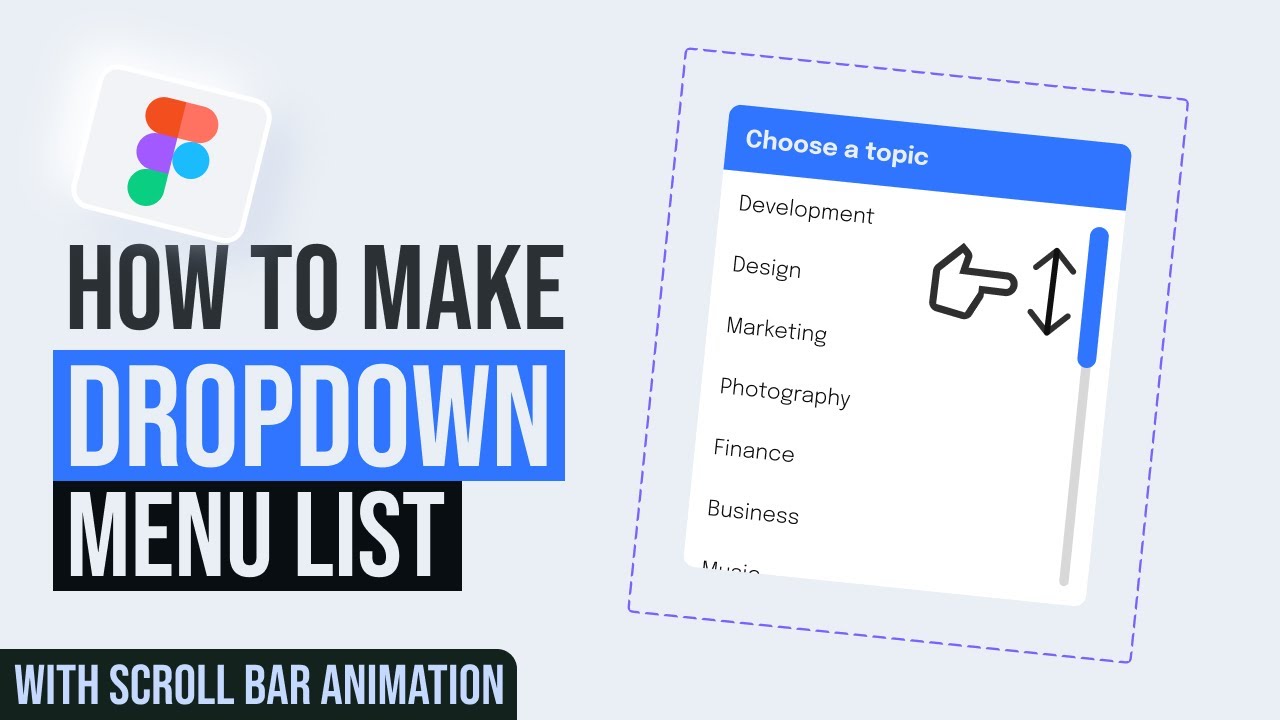
Your task is to create a functional Dropdown Menu with interactive hover states and a scroll animation, following the method shown in the provided tutorial.
The Design & Behavior:

- Visual: A "Choose a topic" dropdown input field that expands into a list of options (Development, Design, Marketing, etc.).
- States: The component must handle the following states:
- Default (Collapsed): A clean input field with the placeholder text "Choose a topic".
- Expanded: Displays a scrollable list of items with a vertical scrollbar indicator.
- Hover: Hovering over a list item triggers a light background fill to indicate interactivity.
-
Interaction:
-
Clicking the input field toggles the menu open/closed.
-
The list inside the expanded menu must be scrollable.
-
Clicking an option selects it.
-
Feel: Use Smart Animate with an "Ease Out" curve (approx. 300ms) for the open/close transition and utilize Interactive Components for the scrolling behavior.
📚 Learning Resources (How to do this)
Below is a youtube video which explains how to do this:
https://www.youtube.com/watch?v=s0wq0oacVbg
📝 Submission Guidelines
To successfully merge your contribution, please follow these rules strictly:
- The Folder: Navigate to the folder named:
3-dropdown - The File: Create a new text file named
<your-github-username>.txt. - The Content: The file must contain your Figma link in the following format:
Figma link - <your-live-figma-link> - Permissions: Ensure your Figma link permissions are set to "Anyone with the link can view" so the maintainers can review your work.
Example of how johndoe.txt should look:
Figma link - (your-link)
Directory Structure Example:
Repo Root
└── 3-dropdown/
    └── <your-github-username>.txt
Happy Prototyping! 💫