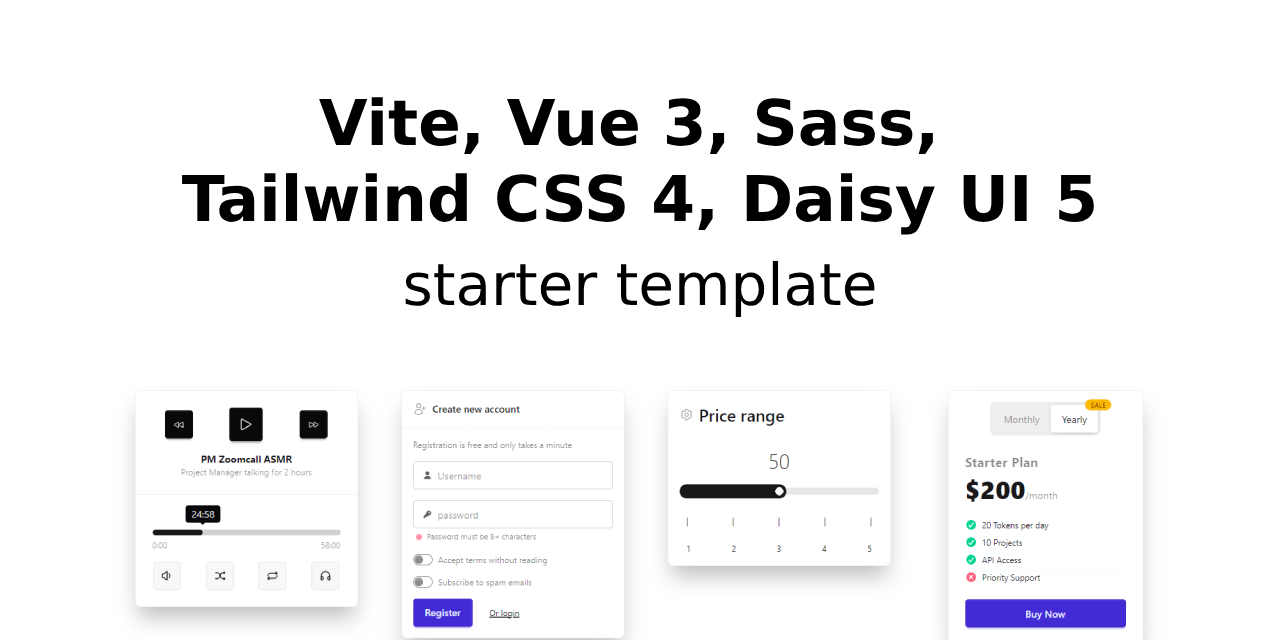
This template should help get you started developing with Vue 3 in Vite. The template is based on the Vite + Vue 3 template, but with some additional features:
- ✅ Vite for the build tool
- ✅ Vue 3 for the frontend
- ✅ Vue Router 4 for routing
- ✅ Sass for styling
- ✅ Tailwind CSS 4 for styling
- ✅ DaisyUI 5 for additional Tailwind CSS components
- ✅ PostCSS for transforming CSS with JS plugins
- ✅ Theme configuration (light, dark, ...)
- ✅ UI blocks (components) pre-configured with DaisyUI
⏩ Use github's template feature to create a new repository based on this template:
→ Create a repository from this template ←
⏩ Clone the repository:
git clone https://github.com/martinille/starter-template-vite-vue3-sass-tailwind4-daisyui5.git <project-name>⏩ Change the directory:
cd <project-name>⏩ Remove the .git directory:
rm -rf .git⏩ Install the dependencies:
npm install- ⏩ Run the Vite development server with HMR:
npm run dev
- ⏩ Build the project:
npm run build
- 📁
public/- Static files - 📁
src/- Source files- 📁
assets/- Static assets- 📁
images/- Images - 📁
styles/- Styles- 📁
vendor/- Vendor styles (Tailwind CSS, DaisyUI)
- 📁
- 📁
- 📁
components/- Vue components - 📁
router/- Vue Router configuration - 📁
views/- Vue views - 📄
App.vue- Root component - 📄
main.js- Entry point
- 📁
The template includes a GitHub workflow for deployment to GitHub Pages. To enable GitHub Pages:
- Visit your repository's Settings
- Select the Pages section
- In the "Build and deployment" area, set the source to "GitHub Actions"
- 🕘 Add unit tests
- 🕘 Minimal template (no additional features)