




.NET 生态系统的现代化、用户友好的命令行 HTTP 客户端
dotnet-httpie 是一个 .NET 工具,将 HTTPie 的强大功能和简洁性带给 .NET 开发者。它专为测试、调试和与 API 及 HTTP 服务器交互而设计,提供直观的命令行界面。
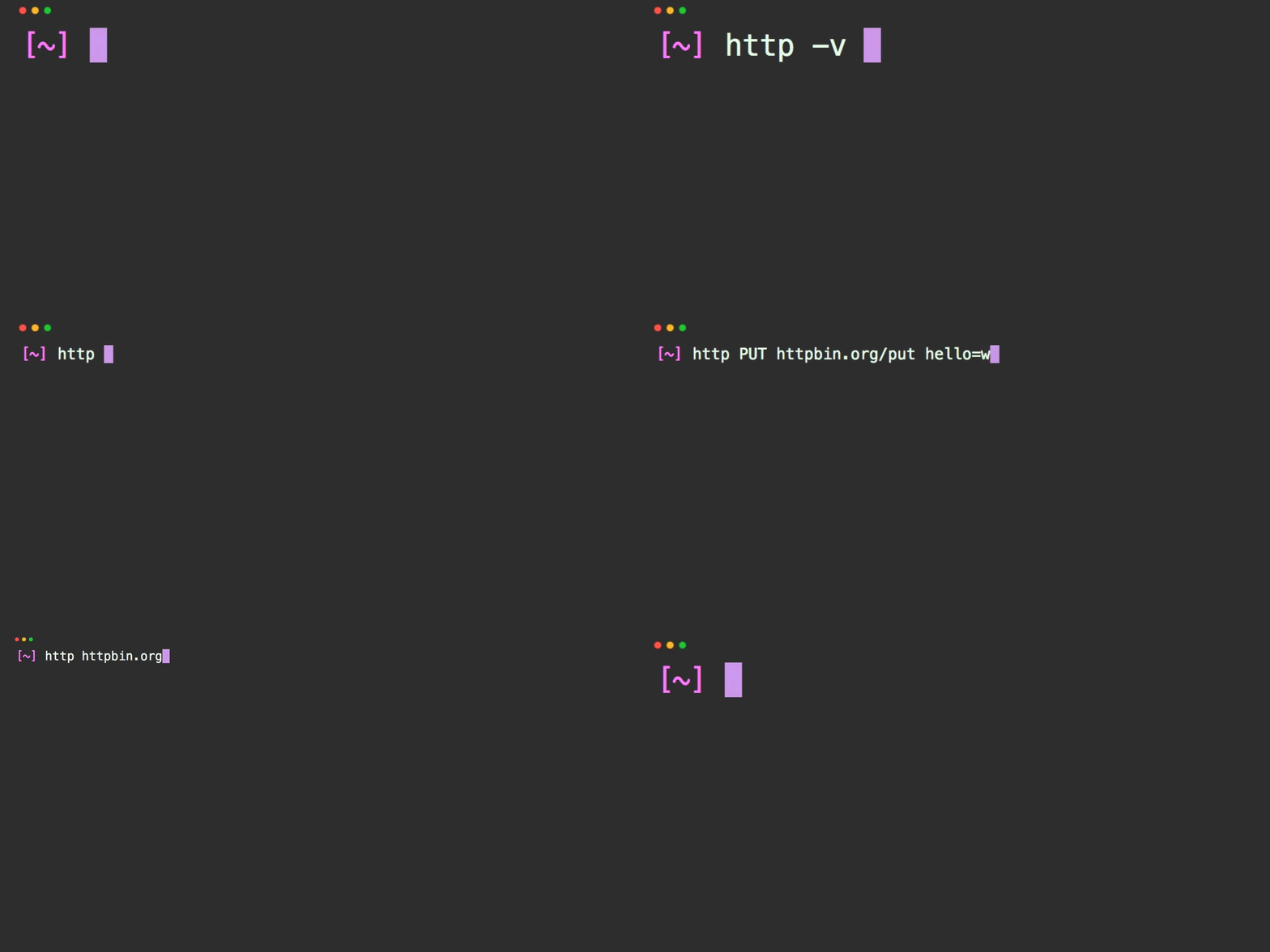
- 🚀 简单直观:人性化的 HTTP 请求语法
- 📁 文件执行:运行
.http和.rest文件,实现可重复测试 - 🔄 cURL 支持:直接执行 cURL 命令
- 🐳 Docker 就绪:可作为 Docker 镜像用于容器化环境
- 🔗 请求链:在后续请求中引用前一个响应
- 🌍 环境支持:多环境配置
- 📊 负载测试:内置负载测试功能
- 🔐 身份验证:支持多种认证方式(JWT、API 密钥、Basic Auth)
- ⬇️ 文件下载:带进度指示器的文件下载
- 🔍 JSON Schema 验证:根据 Schema 验证 API 响应
- 💾 请求缓存:缓存请求以提升性能
- 🎯 中间件系统:可扩展的请求/响应管道
安装最新稳定版本:
dotnet tool update --global dotnet-httpie或安装最新预览版:
dotnet tool update --global dotnet-httpie --prerelease# 简单 GET 请求
dotnet-http httpbin.org/get
# 带 JSON 数据的 POST 请求
dotnet-http POST httpbin.org/post name=John age:=30
# 带自定义请求头
dotnet-http GET httpbin.org/headers Authorization:"Bearer token"| 主题 | 描述 |
|---|---|
| 📋 安装指南 | 各平台详细安装说明 |
| ⚡ 快速开始 | 几分钟内上手 |
| 🌐 HTTP 请求 | HTTP 请求完整指南 |
| 📄 文件执行 | 执行 .http/.rest 文件 |
| 🐳 Docker 使用 | 配合 Docker 使用 |
| 💡 常见用例 | 实用示例与模式 |
| 🔧 完整文档 | 完整文档索引 |
dotnet-http [flags] [METHOD] URL [ITEM [ITEM]]| 类型 | 语法 | 示例 | 描述 |
|---|---|---|---|
| 查询参数 | name==value |
search==httpie |
URL 查询字符串参数 |
| 请求头 | name:value |
Authorization:"Bearer token" |
HTTP 请求头 |
| JSON 数据 | name=value |
name=John |
JSON 请求体字段 |
| 原始 JSON | name:=value |
age:=30, active:=true |
原始 JSON 值(数字、布尔值、对象) |
# 带查询参数的 GET 请求
dotnet-http GET httpbin.org/get search==httpie limit==10

# 带 JSON 数据的 POST 请求
dotnet-http POST httpbin.org/post name=John [email protected] age:=30

# 带请求头的 PUT 请求
dotnet-http PUT api.example.com/users/123 \
  Authorization:"Bearer token" \
  name="John Smith" \
active:=true# 带嵌套对象的复杂 JSON
dotnet-http POST api.example.com/users \
name=John \
address[city]=Seattle \
address[zipcode]:=98101 \
tags:='["developer", "api"]'
# 下载文件
dotnet-http GET api.example.com/files/report.pdf --download# GitHub API
dotnet-http GET api.github.com/users/octocat
# 创建 GitHub Issue(需要认证)
dotnet-http POST api.github.com/repos/owner/repo/issues \
Authorization:"token your-token" \
title="Bug report" \
body="Description of the issue"
# 带多种数据类型的 JSON API
dotnet-http POST api.example.com/orders \
Authorization:"Bearer jwt-token" \
customer_id:=12345 \
items:='[{"id": 1, "qty": 2}, {"id": 2, "qty": 1}]' \
urgent:=true \
notes="Please handle with care"从 .http 和 .rest 文件执行 HTTP 请求:
# 执行 HTTP 文件
dotnet-http exec requests.http

# 使用特定环境执行
dotnet-http exec api-tests.http --env production

# 执行 cURL 命令
dotnet-http exec commands.curl --type curl@baseUrl = https://api.example.com
@token = your-jwt-token
###
# @name getUsers
GET {{baseUrl}}/users
Authorization: Bearer {{token}}
###
# @name createUser
POST {{baseUrl}}/users
Authorization: Bearer {{token}}
Content-Type: application/json
{
"name": "John Doe",
"email": "[email protected]"
}
###
# 引用前一个响应
GET {{baseUrl}}/users/{{createUser.response.body.id}}
Authorization: Bearer {{token}}创建 http-client.env.json:
{
  "development": {
    "baseUrl": "http://localhost:3000",
    "token": "dev-token"
  },
  "production": {
    "baseUrl": "https://api.example.com",
    "token": "prod-token"
  }
}无需安装 .NET 即可使用 dotnet-httpie:
# 基础用法
docker run --rm weihanli/dotnet-httpie:latest httpbin.org/get

# 带数据的 POST
docker run --rm weihanli/dotnet-httpie:latest POST httpbin.org/post name=test

# 执行 HTTP 文件
docker run --rm -v $(pwd):/workspace -w /workspace \
  weihanli/dotnet-httpie:latest exec requests.http

# 带环境变量
docker run --rm -e API_TOKEN="your-token" \
  weihanli/dotnet-httpie:latest GET api.example.com/protected \
Authorization:"Bearer $API_TOKEN"# 添加到 shell 配置文件(.bashrc、.zshrc 等)
alias http='docker run --rm weihanli/dotnet-httpie:latest'
# 现在可以像安装版本一样使用
http GET httpbin.org/get
http POST httpbin.org/post name=John- JWT Token:
Authorization:"Bearer token" - API 密钥:
X-API-Key:"key"或api_key==key - Basic Auth:
--auth username:password或Authorization:"Basic base64"
- 表单数据:
--form field=value - 下载:
--download标志 - 发送原始数据:
--raw "data"
- 查询参数:
param==value - 自定义请求头:
Header-Name:"value" - JSON 数据:
field=value或field:=rawjson - 表单数据:
--form标志 - 原始数据:
--raw "data"
- 离线模式:
--offline(预览请求) - 调试模式:
--debug(详细日志) - 环境:
--env production
- 仅响应体:
--body标志 - 跟随重定向:
--follow - JSON 处理:管道到
jq进行高级处理
- API 开发:开发期间测试端点
- API 文档:文档中的可执行示例
- CI/CD 测试:流水线中的自动化 API 测试
- 负载测试:内置负载测试功能
- 集成测试:测试服务间通信
- 调试:检查 HTTP 请求和响应
- 脚本自动化:在 Shell 脚本中自动化 API 交互
欢迎贡献!以下是您可以帮助的方式:
# 克隆仓库
git clone https://github.com/WeihanLi/dotnet-httpie.git
cd dotnet-httpie

# 构建项目
dotnet build

# 运行测试
dotnet test

# 本地安装以进行测试
dotnet pack
dotnet tool install --global --add-source ./artifacts dotnet-httpie本项目采用 MIT 许可证 — 详情见 LICENSE 文件。
⭐ 如果您觉得有用,请为本仓库点星!
🏠 主页 • 📖 文档 • 🐳 Docker Hub • 📦 NuGet